



Description
Download Hotspot VPN Pro Free Wifi Unlimited WiFi Proxy Security APK – Free VPN, Unlimited Proxy, Secure Browsing, Android App, Fast Connection
Overview
Hotspot VPN Pro Free Wifi Unlimited WiFi Proxy Security is a desktop-compatible Android application designed to enhance online privacy and security. Developed by Hotspot VPN Inc., the app functions as a virtual private network (VPN) and proxy service, enabling users to mask their digital identity and access restricted content. It is tailored for individuals seeking to browse the internet anonymously, bypass regional restrictions, and protect their data on public Wi-Fi networks. The software is particularly useful for travelers, students, remote workers, and privacy-conscious users who require secure and unrestricted access to online services. It supports one-tap connection to proxy servers, streamlining the process of establishing a secure tunnel to the internet. The app is available for free download on the Google Play Store, with optional premium upgrades for enhanced functionality. While the software is primarily designed for mobile use, it can be accessed via Android emulators on desktop systems. The developer did not provide additional details on system requirements or compatibility with specific desktop environments. Real-world usage scenarios include securing connections on public networks, accessing geo-blocked streaming platforms, and protecting sensitive data during online transactions.
Key Features & Capabilities
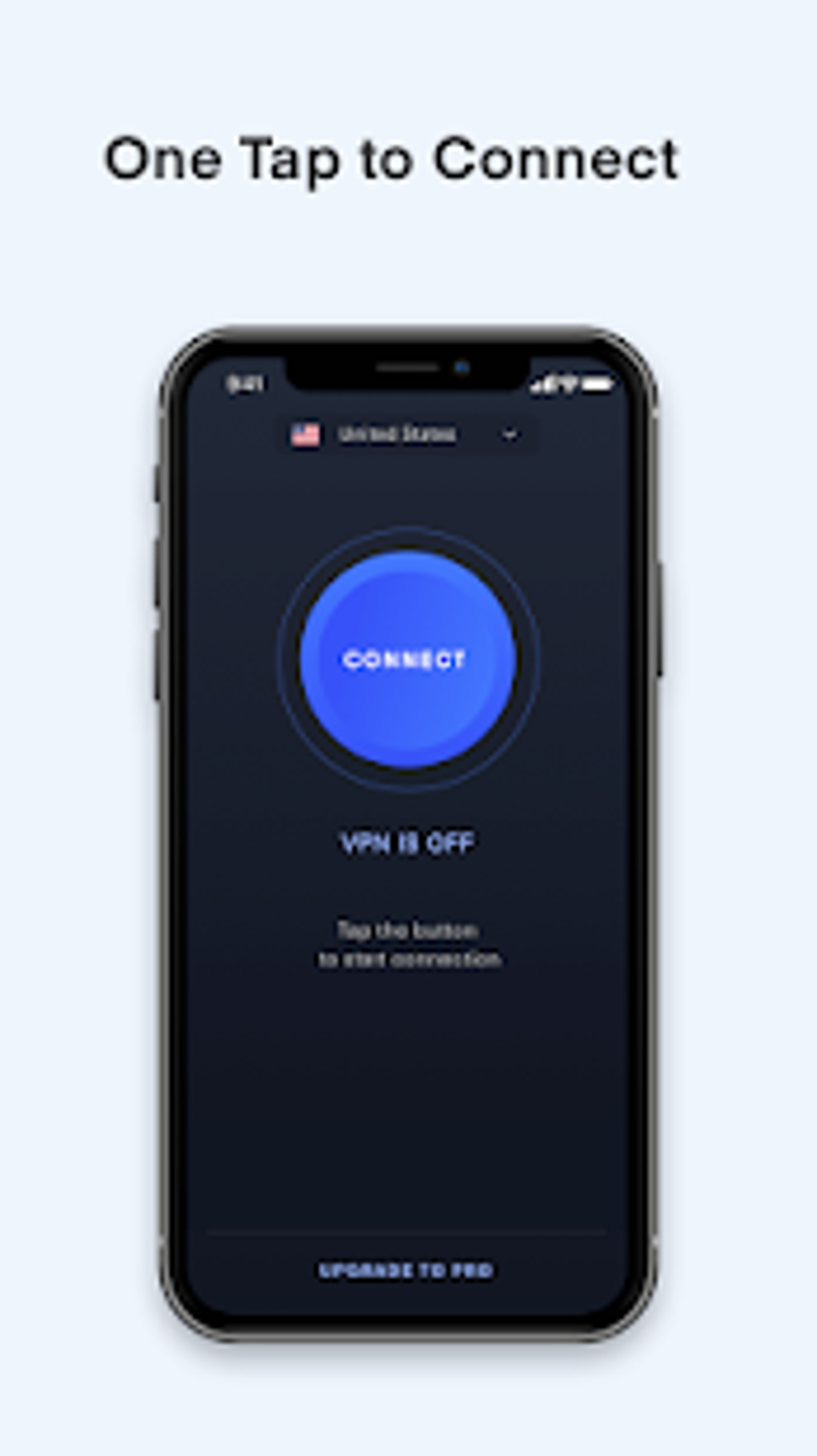
- One-Tap Connection – Users can establish a secure VPN connection with a single tap, minimizing setup time and simplifying access for non-technical users.
- Unlimited Proxy Access – The app provides free access to a network of proxy servers, enabling users to bypass internet restrictions and access blocked websites.
- Multiple Protocol Support – Offers 10 different VPN protocols, allowing users to choose the best option based on speed, security, or compatibility needs.
- Auto-Server Selection – Automatically connects to the fastest available server, optimizing performance and ensuring a stable connection.
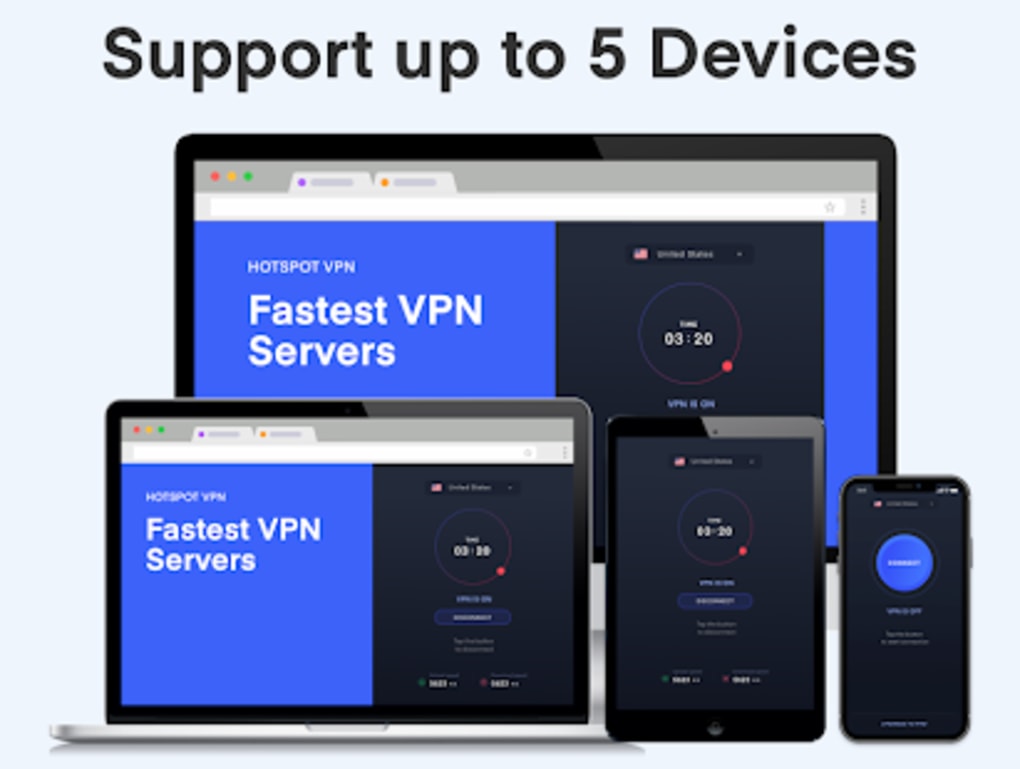
- Multi-Device Support – Supports up to 5 devices simultaneously, making it suitable for personal and small household use.
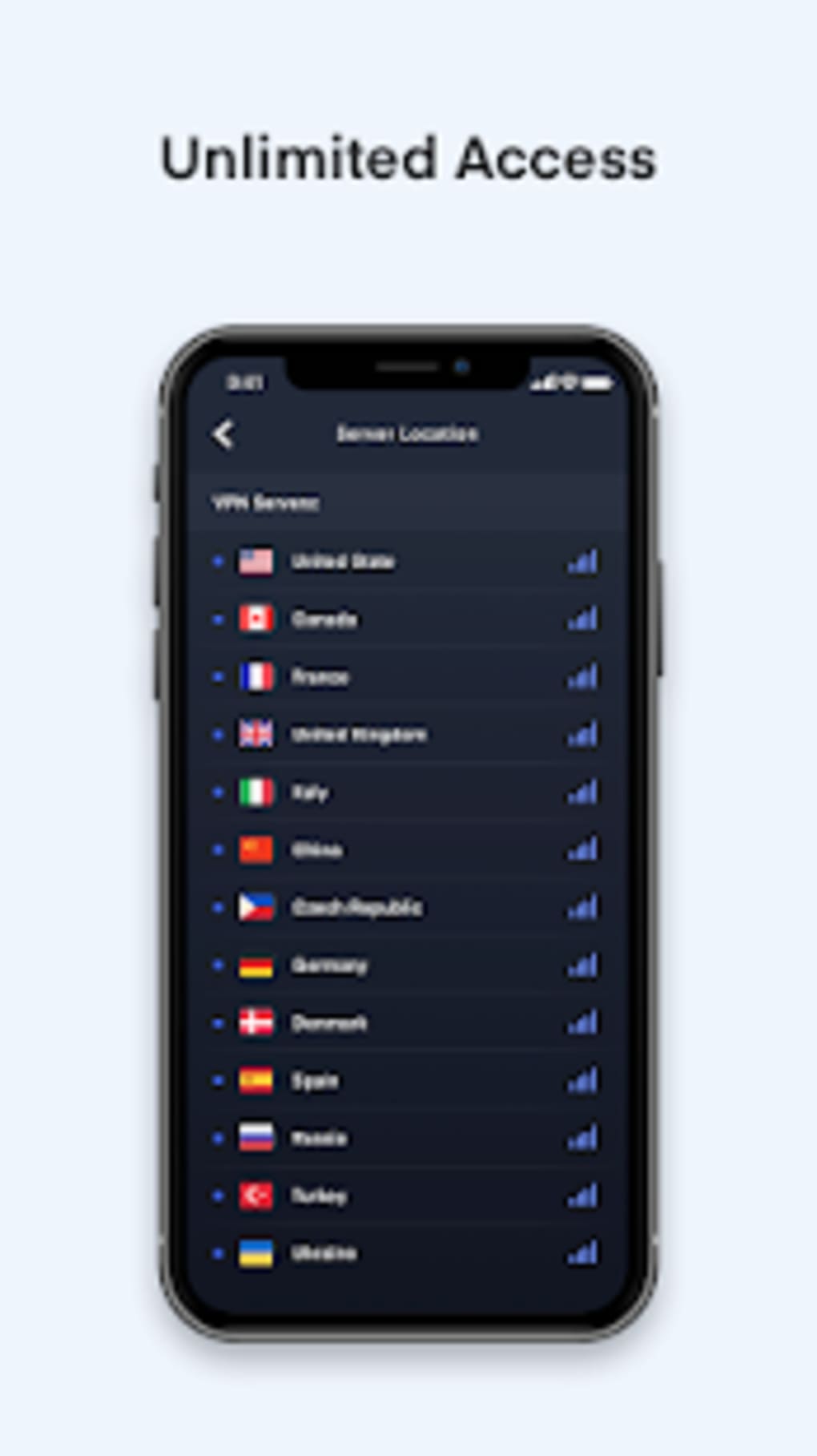
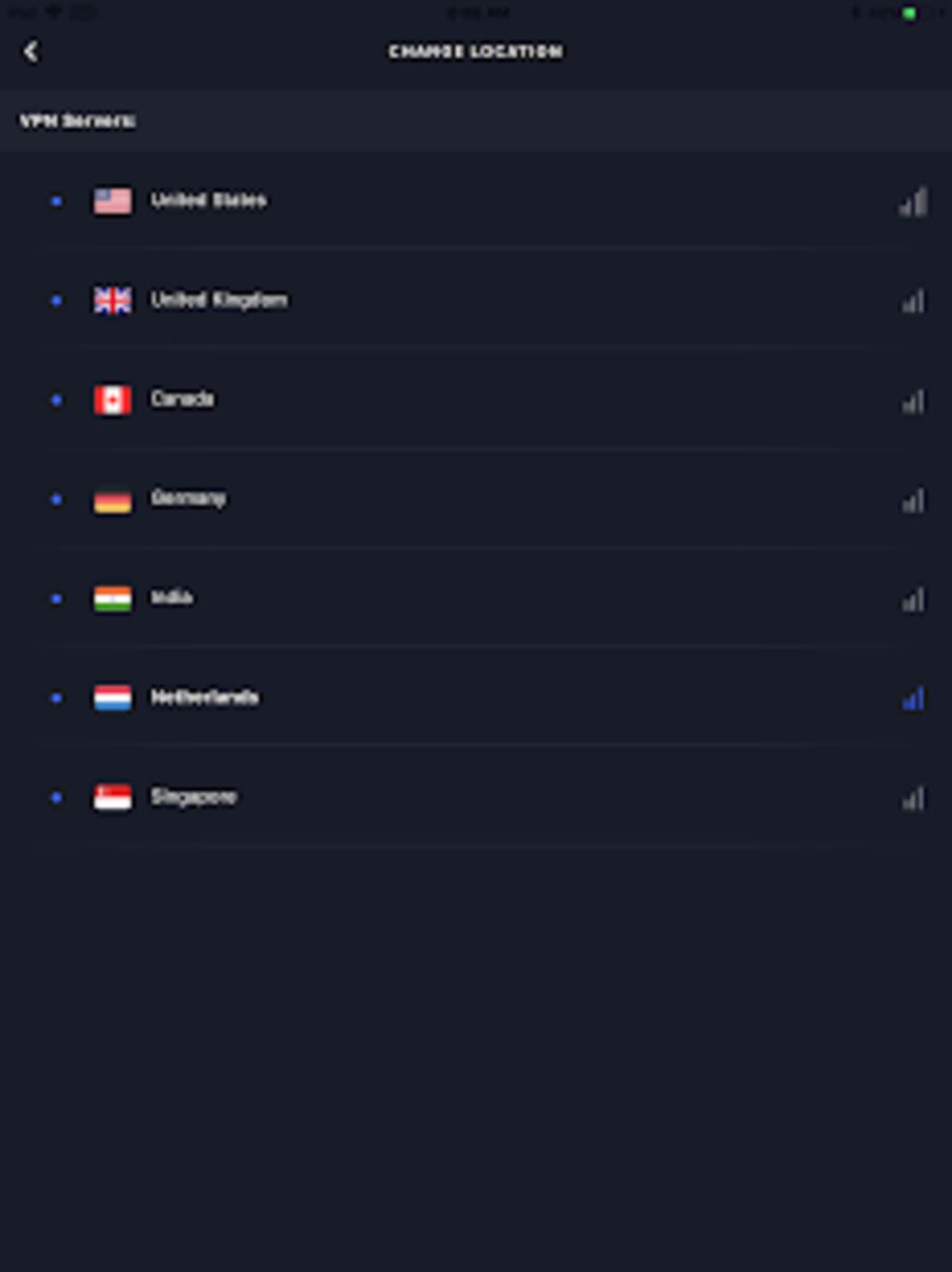
- Global Server Network – Premium users gain access to over 10,000 servers across 100+ countries, enhancing connectivity and content availability.
- Privacy-Focused Design – Adheres to a strict privacy policy, ensuring user data is not logged or shared with third parties.
- Streaming-Optimized Servers – Dedicated servers are available for high-definition streaming, reducing buffering and enabling access to region-locked content.
These features collectively support secure browsing, content unblocking, and data protection. For example, a student in a school environment can use the app to access educational resources blocked by the institution’s firewall. Similarly, a traveler can use it to safely connect to public Wi-Fi networks without exposing personal information. The app’s proxy functionality allows users to route traffic through remote servers, masking their real IP address and location.
User Interface, Workflow & Performance
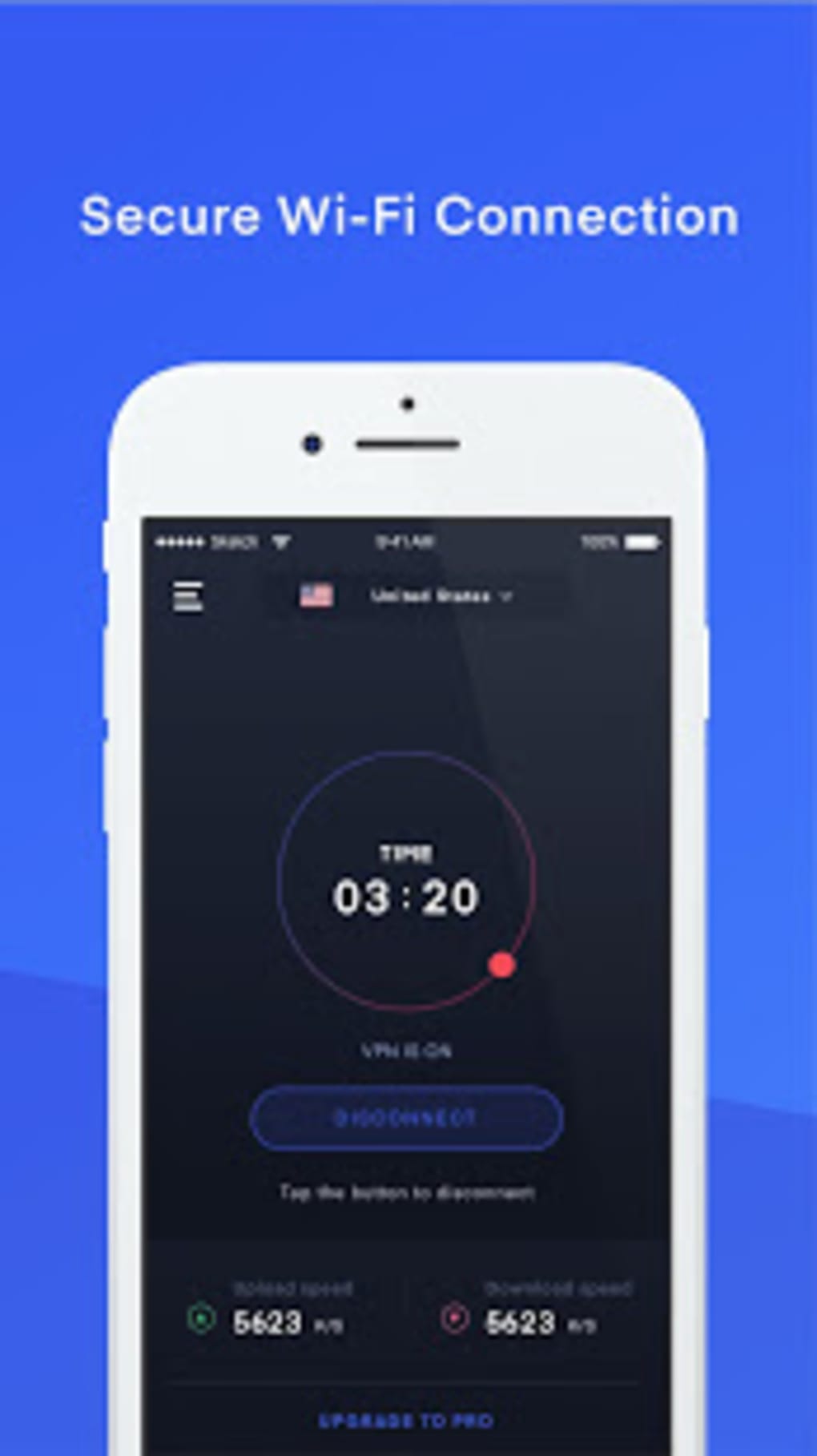
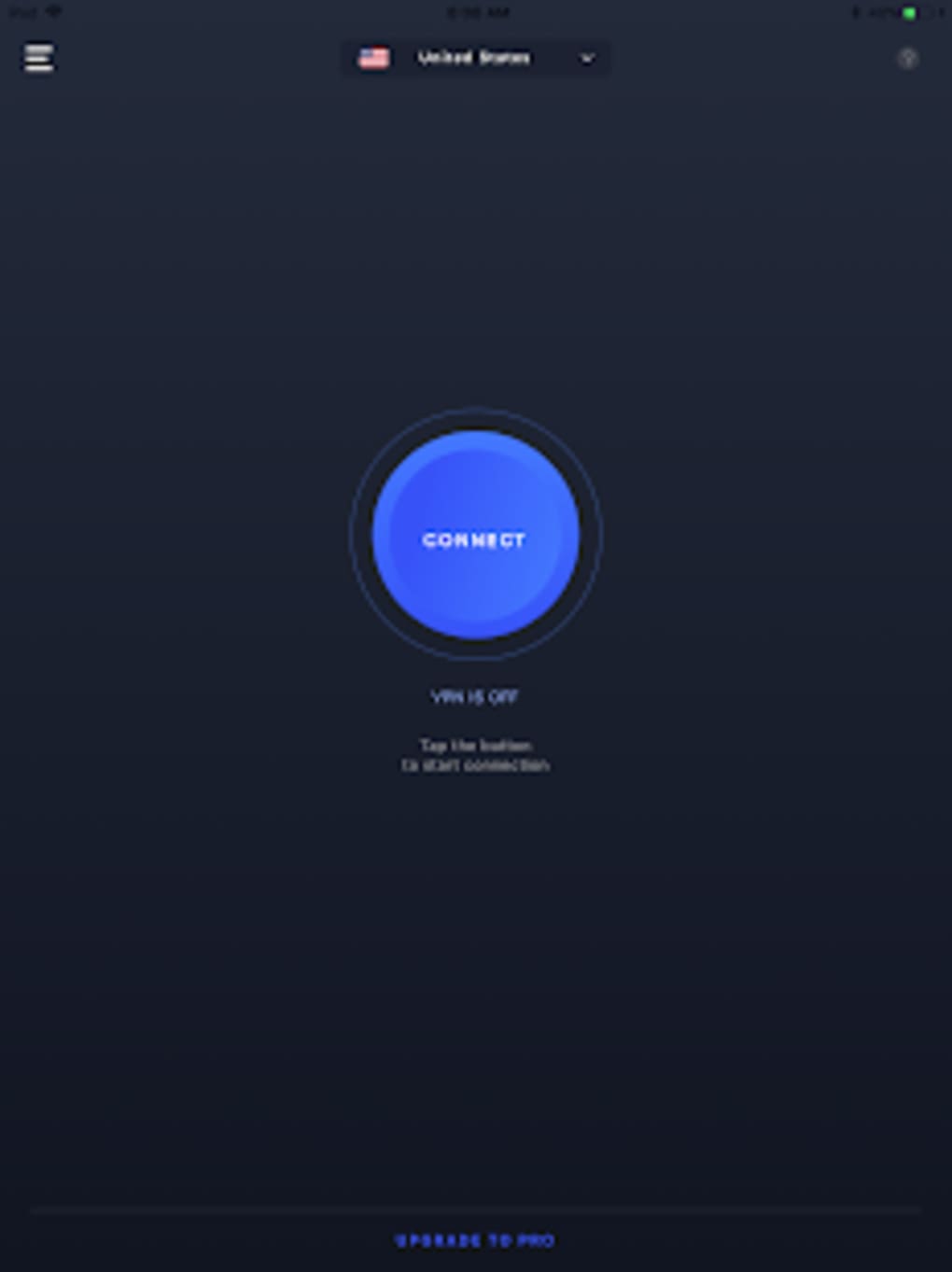
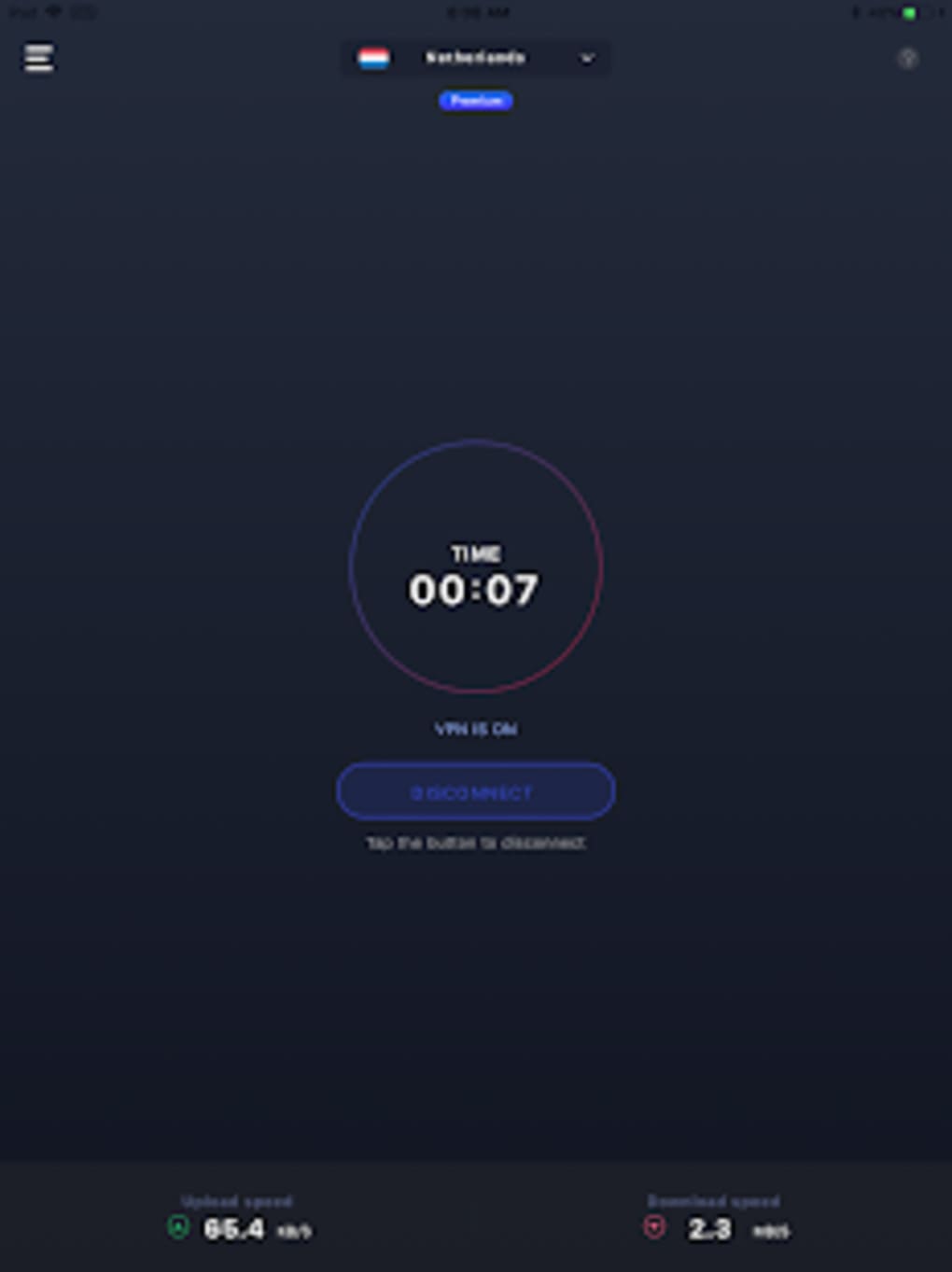
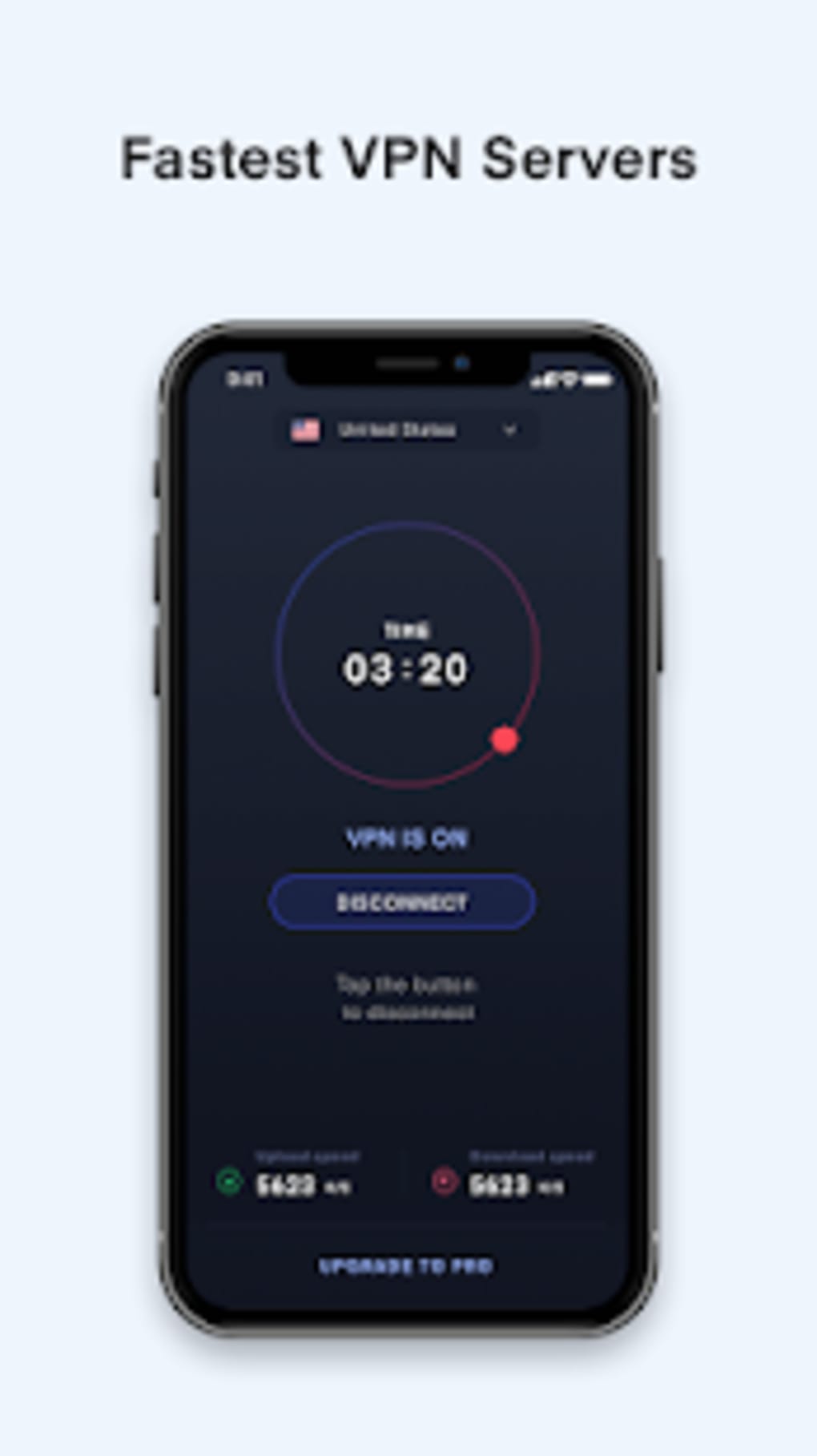
The user interface is designed for simplicity, featuring a clean layout with minimal navigation steps. The main screen displays a prominent connect button, enabling immediate access to the VPN service. Additional settings, such as protocol selection and server location, are accessible through a secondary menu. Navigation is intuitive, with clearly labeled options and visual feedback during connection attempts. The workflow is streamlined, allowing users to establish a secure connection within seconds. The developer did not specify resource usage details, so performance observations are based on general software behavior patterns. Users can expect stable connections during typical browsing tasks, though actual speed and stability may vary depending on network conditions and server load. The app maintains a consistent connection status indicator, helping users monitor their active session. No information was provided regarding CPU or RAM usage, so specific performance metrics cannot be confirmed. Stability appears to be a focus, as the app claims to deliver a lightning-fast and reliable connection. However, exact behavior under heavy usage or prolonged sessions remains unverified.
Compatibility & System Requirements
Hotspot VPN Pro Free Wifi Unlimited WiFi Proxy Security is designed for Android operating systems. The app is compatible with Android devices running version 5.0 and above. Installation size is not specified, so exact file size details are unavailable. The developer did not list specific hardware requirements, such as RAM or processor type. Compatibility with desktop systems is limited to Android emulators, which may vary in performance based on the host machine’s specifications. The developer did not provide additional information on desktop integration or system compatibility beyond Android support. Users should ensure their device meets the minimum Android requirements for app installation. Exact performance details were not specified, and no official guidance was provided on supported devices or emulator configurations.
Pros and Cons
Pros
- One-tap connection for instant access to secure browsing
- Supports multiple protocols for flexible and secure connections
- Auto-server selection ensures optimal speed and reliability
- Extensive server network with global coverage for content access
- Strict privacy policy protects user data and online activities
- Free version offers robust features for basic usage
- Multi-device support enhances usability across personal devices
Cons
- Performance metrics such as speed, CPU, and RAM usage were not disclosed
- Compatibility with desktop systems is limited to emulators, which may affect usability
- Exact file size and hardware requirements are not provided
- Free version may include limitations not clearly outlined
- No information on update frequency or long-term stability
FAQ Section
Is Hotspot VPN Pro compatible with desktop computers?
Hotspot VPN Pro is primarily designed for Android devices. It can be used on desktops via Android emulators, but the developer did not provide specific guidance on compatibility with desktop environments.
Is the free version secure and safe to use?
The app claims to follow a strict privacy policy, ensuring user data is not logged or shared. However, no independent security audits were mentioned, and the developer did not provide details on encryption standards or data handling practices.
How often does the app receive updates?
The release date was provided, but the developer did not specify the frequency of updates or patch releases for the software.
What type of license does Hotspot VPN Pro use?
Hotspot VPN Pro is available for free download with optional premium upgrades. The exact license type for the free or paid version was not disclosed.
Can I use Hotspot VPN Pro offline?
The app requires an active internet connection to establish a VPN tunnel. It cannot function in offline mode, as it relies on remote servers to route traffic.
Final Thoughts + CTA
Hotspot VPN Pro Free Wifi Unlimited WiFi Proxy Security presents a compelling option for Android users seeking a fast, secure, and easy-to-use VPN solution. Its one-tap connection, multi-protocol support, and global server network make it well-suited for bypassing restrictions and protecting online privacy. While the free version offers strong core functionality, users seeking advanced features may benefit from the premium tier. The app’s design prioritizes usability and accessibility, making it ideal for both beginners and experienced users. However, the lack of detailed technical information—such as system requirements, performance metrics, and update schedules—limits transparency. Despite these gaps, the app’s focus on privacy and speed remains a significant advantage. For users who need reliable access to unrestricted content and secure browsing on Android, Hotspot VPN Pro is a strong contender. Download Hotspot VPN Pro now to experience secure, private, and unrestricted internet access on your Android device.
Guides & Tutorials for Hotspot VPN Pro Free Wifi Unlimited WiFi Proxy Security APK
How to install Hotspot VPN Pro Free Wifi Unlimited WiFi Proxy Security APK
- Click the Preview / Download button above.
- Once redirected, accept the terms and click Install.
- Wait for the Hotspot VPN Pro Free Wifi Unlimited WiFi Proxy Security APK download to finish on your device.
How to use Hotspot VPN Pro Free Wifi Unlimited WiFi Proxy Security APK
This software is primarily used for its core features described above. Open the app after installation to explore its capabilities.
User Reviews for Hotspot VPN Pro Free Wifi Unlimited WiFi Proxy Security APK 0
No reviews found





